Connect Anywhere In Your Home with the Blast Ultimate WiFi Experience
Complete Coverage
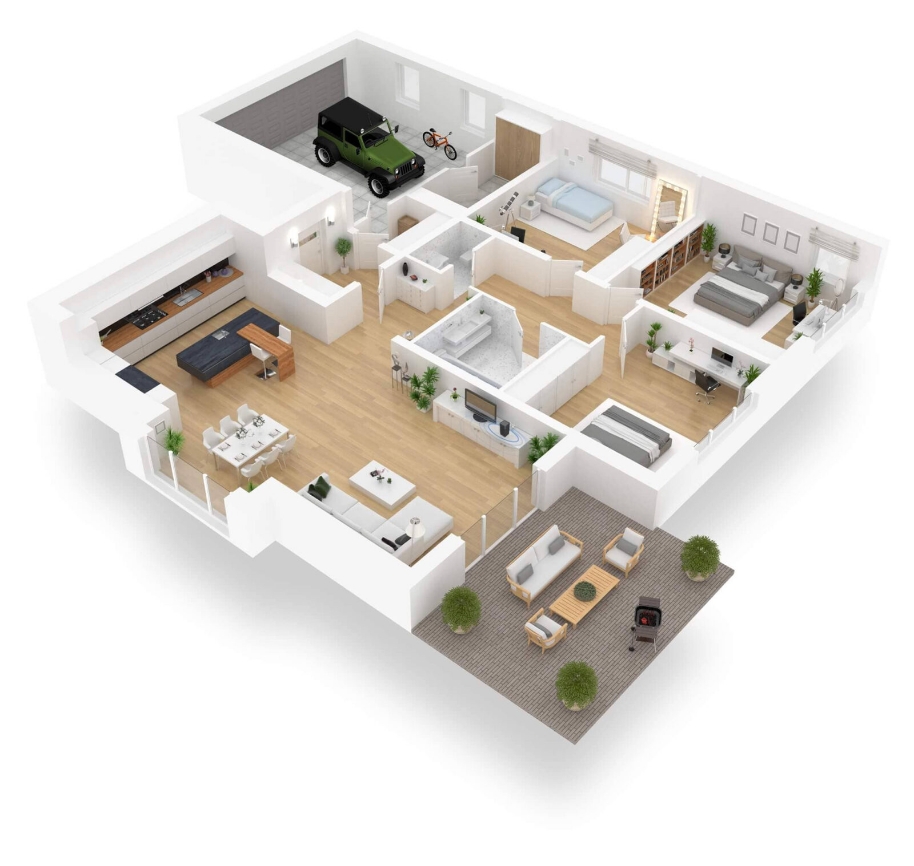
Our enhanced WiFi system optimizes signals, giving you more complete coverage
You can also extend the WiFi range if needed to cover every room in your home
Control at Your Fingertips
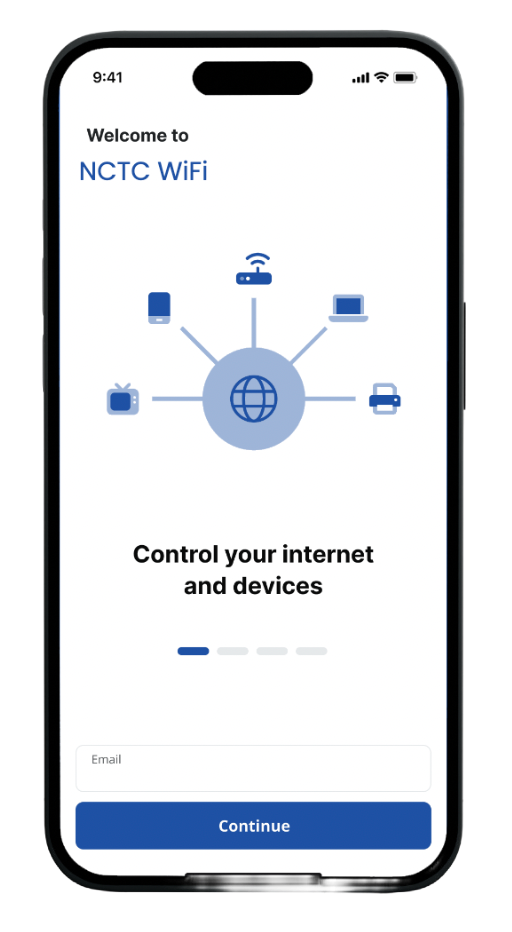
The NCTC WiFi app puts control in your hands to create a guest network, set up parental controls, protect against malware and much more
Peace of Mind
We offer 24/7 support, so you can enjoy a stress-free experience fully managed by NCTC
What Do I Get With Blast WiFi?
Out next-generation router delivers an unrivaled online experience for your home. Whether gaming online, uploading a big presentation or running multiple devices simultaneously, the NCTC WiFi delivers.
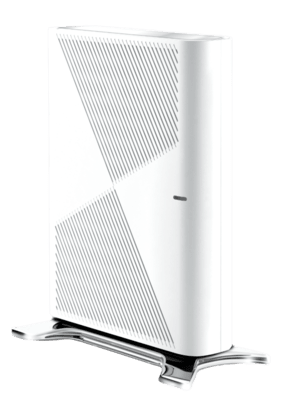
Blast router, with WiFi 7 technology
Remote support
Free replacement if your system stops working
Router replacement assessment
NCTC WiFi App
Whole-home coverage extenders*
*Optional
WiFi 7 Is Here
Enabling the Ultimate WiFi Experience
Built for the Modern Home
Connect 251+ wireless devices without affecting your network.
No More Bandwidth Wars
Helps prioritize connections to ensure smoother experience for all devices.
No More Lag
Smoother streaming, faster download, and improved gaming and video conferencing.
Improved Battery Life for Your Devices
Notifies when devices are on standby, matching connection needs so WiFi won’t drain battery.
Faster Speeds
Up to 40% faster experiences when you connect WiFi 7-enabled devices to the Blast.
Eliminate Dead Spots
In the examples below, you can see how the Blast eliminates WiFi dead spots
Take Control of Your WiFi
The NCTC WiFi app puts managing everything in your hands.
Set Up
Set up your whole system in about a minute.
Connect
Connect your whole home and all your smart devices.
Secure
Secure your network with real-time updates.
Protect
Protect your children from threats with parental controls.
Enable
Enable a guest network for friends to join with a simple tap.
Analyze
Analyze your speeds, usage, access, and more.
Your Resource Library
For all your NCTC Blast WiFi needs
WiFi App Product Guide (PDF)
Blast Setup Guide (PDF)
Gigamesh Guide (PDF)
Introducing the new NCTC WiFi App
An Introduction to the Main Dashboard of the App Video
Setting Up Your WiFi & App Video
Setting Up Basic Parental Control Video
Getting to know Tiles and Announcements / ProtectIQ and ExperienceIQ
MyPrioritiesIQ Modes
Setting Up a Guest Network Video
Performing a Bandwidth Test Using the App Video
See Who & What Is Connected to Your Network
Learn about Notifications
Learn How to Enable and Disable Services Using the App
Learn About Connected Devices In Your Network Video



 Featuring WiFi 7 – the most advanced technology available.
 Blast router, with WiFi 7 technology