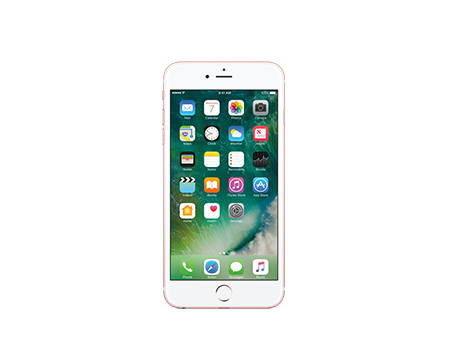
 iOS/iPhone/iPad
iOS Devices: IMAP Configuration
- Go into the Settings icon.
- Select Mail.
- Select Accounts.
- Select Add Account.
- Select Other.
- Select Add Mail Account.
- Enter in your Name: (Ex. Jon Doe)
- Enter your Email Address and Password: (Ex. user@nctc.com)
- Enter a Description (Ex. NCTC Email) and Click Next
- Select Save.
Depending on the connection, you may need these additional settings:
- Under the Incoming Mail Server add the following:
- Host Name: mail.nctc.com
- User Name: (Ex. user@nctc.com)
- Password: (Access Account Password)
- Under Outgoing Mail Server, add the following:
- Host Name: mail.nctc.com
- User Name: (Ex. user@nctc.com)
- Password: (Access Account Password)
- Select Save.